
In fast-moving school transportation environments, safety depends on split-second decisions and reliable tools. When every second counts, outdated or disconnected hardware isn’t just inefficient – it’s a liability.
Busology Tech’s purpose-built hardware – like our Safety Button – supports real-time alerts, improves emergency response workflows, and gives both drivers and administrators the tools they need to act fast and communicate clearly.
Ensure peace of mind and confident emergency response with the Safety Button, integrated with Busology Tech’s school transportation software suite.
Who should use it: Drivers, Workforce Managers
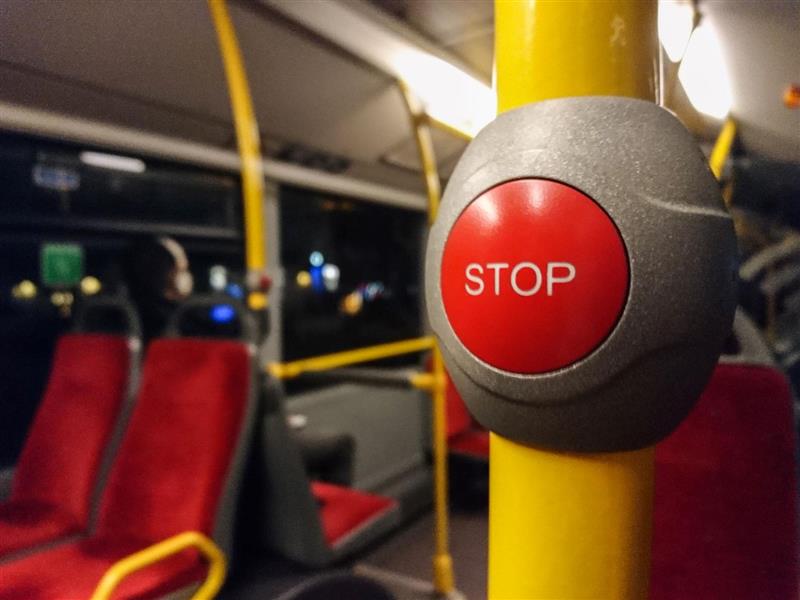

Looking for fleet management solutions for school buses that pay off long-term? We’ve got you covered.
With Busology’s Safety Button, your team will always be equipped to respond faster, smarter, and more confidently – no matter where the route leads.
The distress signal is sent almost instantly through text messages and emails to up to five designated school district contacts. The emergency message will include the bus information, route number, coordinates (location), and the date and time when the safety button was pushed.
In areas with weak or no network coverage, the system will attempt to send the distress signal as soon as a connection is available. The location where the safety button was pushed, route number, date, and time would be saved on the device; once the network is connected again, it would send all the information through email and text to the five designated contacts. Schools should ensure regular testing in such areas for reliability.
The best practice is to conduct regular system checks to confirm the Safety Button is functional. This includes verifying the power supply, testing network connectivity, and performing routine test alerts as part of school safety protocols.